Markdown
Export marimo notebooks to markdown.
Outputs are not included
Markdown export only includes the notebook source code (code and markdown cells). Cell outputs are not saved in the exported markdown. To include outputs, export to static HTML or Jupyter notebook instead.
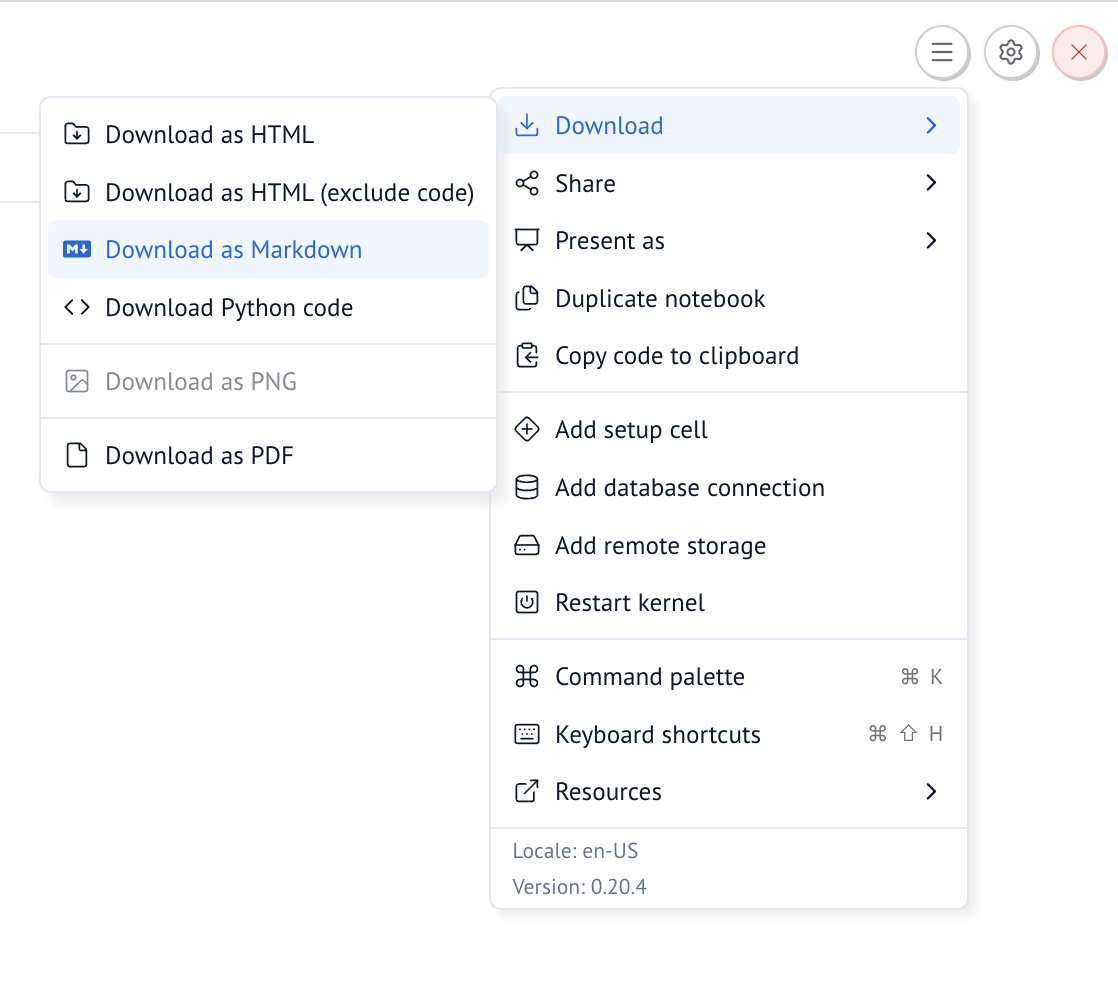
Export from the marimo editor
Export from the notebook settings menu, in the top right.
Export from the command line
Export to markdown in top to bottom order, so the cells are in the order as they appear in the notebook.
This can be useful to plug into other tools that read markdown, such as Quarto or MyST.
marimo can open markdown files as notebooks
Learn more with marimo tutorial markdown-format at the command line.
Convert markdown back to a marimo notebook
You can also convert the markdown back to a marimo notebook: